Which workflow automation platforms connect email, Excel or Google Sheets, and ERPs like SAP and NetSuite, how, and where it breaks.

Most back-office work starts in an inbox, passes through a spreadsheet, and ends in an ERP. An invoice arrives as a PDF attachment, someone checks it against a tracker in Excel, and the entry gets keyed into SAP or NetSuite. Any workflow tool you buy has to handle all three. Connector lists look similar across vendors; the differences show up when an attachment is a scan, a spreadsheet layout changes, or the ERP refuses a write.
This guide compares how the common platforms connect to each of the three, based on each vendor's own documentation. For a broader buyer's view of workflow tools, see our workflow automation software guide.
A connector shows that a platform can reach a system. Whether it can read your attachments and post to the right entity with your permissions is something you have to test.
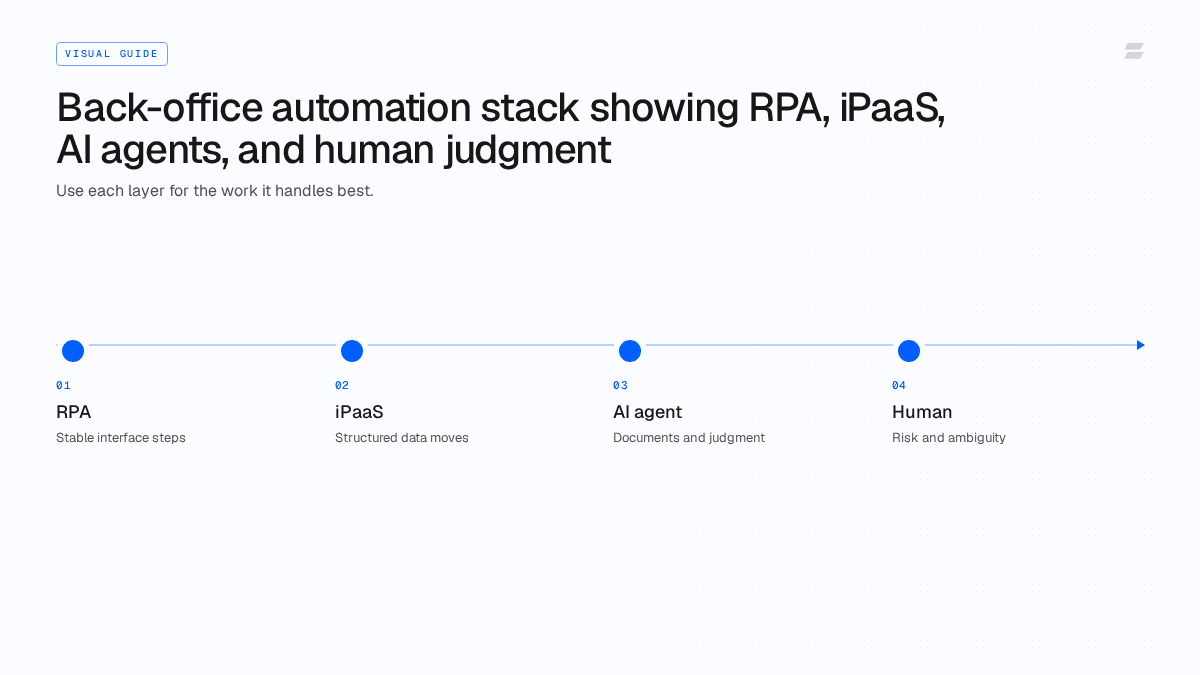
Platforms reach these systems in one of three ways, and most mature platforms use more than one.
Prebuilt connectors call the system's API, for example Gmail or Outlook through Google or Microsoft Graph APIs, Excel through Microsoft Graph, NetSuite through its SOAP or REST APIs. They are the most reliable option when they cover the action you need.
UI automation drives the application's screens the way a person would. It is the fallback for ERP modules, legacy systems and portals with no usable API. It is slower and breaks when screens change.
Agent-style access lets an AI agent choose among APIs, MCP servers, files and the browser to complete a job. It copes with variation better than fixed flows. Because the agent decides which step comes next, it needs tighter permissions and logging.
Platform | Spreadsheets | ERP | Integration method | Best fit | |
|---|---|---|---|---|---|
Gmail, Outlook, Email by Zapier | Google Sheets, Excel | NetSuite, SAP S/4HANA apps | Prebuilt connectors, MCP | Simple triggers and record syncs | |
Gmail, Microsoft 365 Email | Microsoft 365 Excel, Google Sheets | NetSuite | Prebuilt modules | Visual flows with more branching | |
Outlook, Gmail | Excel, Google Sheets | NetSuite (SOAP and REST), SAP connectors | Enterprise iPaaS connectors | Governed integrations at scale | |
Office 365 Outlook | Excel Online (Business) | SAP ERP, Dynamics 365 | Cloud connectors plus desktop flows (UI) | Microsoft-centric estates | |
Microsoft Outlook 365 | Excel via OneDrive and SharePoint | Oracle NetSuite, SAP BAPI | Integration Service connectors plus RPA | Mixed API and UI automation | |
Email package | Excel advanced package | SAP via BAPI | Packages plus bots | RPA-led programs | |
Microsoft Outlook | Google Sheets | NetSuite, SAP S/4HANA Cloud | Prebuilt connectors, HTTP client | API-first integration teams | |
Gmail, Outlook | Excel 365, Google Sheets | SAP via community node or HTTP | Nodes, HTTP requests, self-hosting | Technical teams that self-host | |
Gmail, Outlook, Microsoft Exchange, Office 365 | Office 365, Google GSuite, Google Sheets, MS Excel | ERPs via APIs or browser | APIs, custom MCP, files, databases, email, browser | Multi-step finance and ops jobs |
The table reflects what each vendor documents publicly as of October 2026. Coverage of a specific action, such as attaching a file to a NetSuite vendor bill, needs to be checked in each vendor's connector reference.
Zapier lists NetSuite integrations with Gmail and Google Sheets, such as creating NetSuite records from new spreadsheet rows (Zapier). It also offers an SAP S/4HANA app and an MCP server for it, with actions such as creating sales orders and supplier invoices (Zapier).
Make offers Microsoft 365 Excel modules that watch workbooks and rows and add, update or delete rows and tables (Make), alongside NetSuite and Microsoft 365 Email modules.
Workato's NetSuite REST connector supports record triggers plus create, update, upsert, search and SuiteQL actions (Workato), and it has Outlook and Excel connectors in its integration library (Workato).
Power Automate has an Office 365 Outlook connector for mail and calendars (Microsoft), an Excel Online (Business) connector (Microsoft) and an SAP ERP connector that calls SAP functions (Microsoft). Its desktop flows add UI automation for legacy and desktop applications, including data entry on an ERP system (Microsoft).
UiPath's Integration Service has connectors for Microsoft Outlook 365 and Oracle NetSuite. Its documentation notes that the NetSuite connector uses SOAP and that NetSuite File Cabinet upload is not supported through out-of-the-box activities (UiPath).
Automation Anywhere provides an Excel advanced package for workbook, worksheet, row and cell operations (Automation Anywhere) and integrates with SAP through BAPI (Automation Anywhere).
Tray.ai lists NetSuite, Google Sheets and Microsoft Outlook connectors. For SAP HANA it points users to its HTTP client and connector builder because no prebuilt connector exists (Tray.ai).
n8n has Gmail, Outlook and Excel 365 nodes (n8n). SAP connections run through a community-built node or HTTP request nodes (n8n community).
Zamp's AI employees work through APIs, custom MCP servers, files, databases, email and browser-based applications, and Zamp's own guidance is that coverage still needs to be verified against the exact workflow, including reads, writes, attachments, identity, rate limits and final-state confirmation (Zamp). For ERP-specific patterns, see AI agents on top of your ERP.
Email attachments are the first failure point. A connector can fetch a message and its attachments, but a scanned PDF invoice still needs extraction before any field can be matched. If the attachment is an image or an unusual format, a flow built on fixed fields stops. See our intelligent document processing guide for how extraction fits in.
Spreadsheets break in quieter ways. Microsoft documents several limits on its Excel Online (Business) connector: files up to 25 MB, a file that can stay locked for up to 6 minutes after the connector last used it, no support for simultaneous edits from other clients, and row actions that work on Excel tables with a key column (Microsoft). A team spreadsheet where someone inserts a column or renames a header can break a flow that worked yesterday.
ERP write-backs fail on permissions and data rules. An integration user may be able to read a vendor but not create a bill, select an entity, or attach a document. UiPath's note that NetSuite File Cabinet upload isn't supported out of the box is a typical example of a gap that only shows up when a specific action is needed. Zamp's own guidance makes the same point: a process can look connected and still fail when the agent cannot attach evidence, select an entity, submit an approval, update a status or confirm the write (Zamp).
Month-end makes each of these worse, because volume spikes and late changes land in the same files. Our month-end close automation tools guide covers where those handoffs sit.