Scale analytics QA across hundreds of domains. Read how Zamp automates end-to-end tag validation, from TDD ingestion to automated pass/fail reporting.
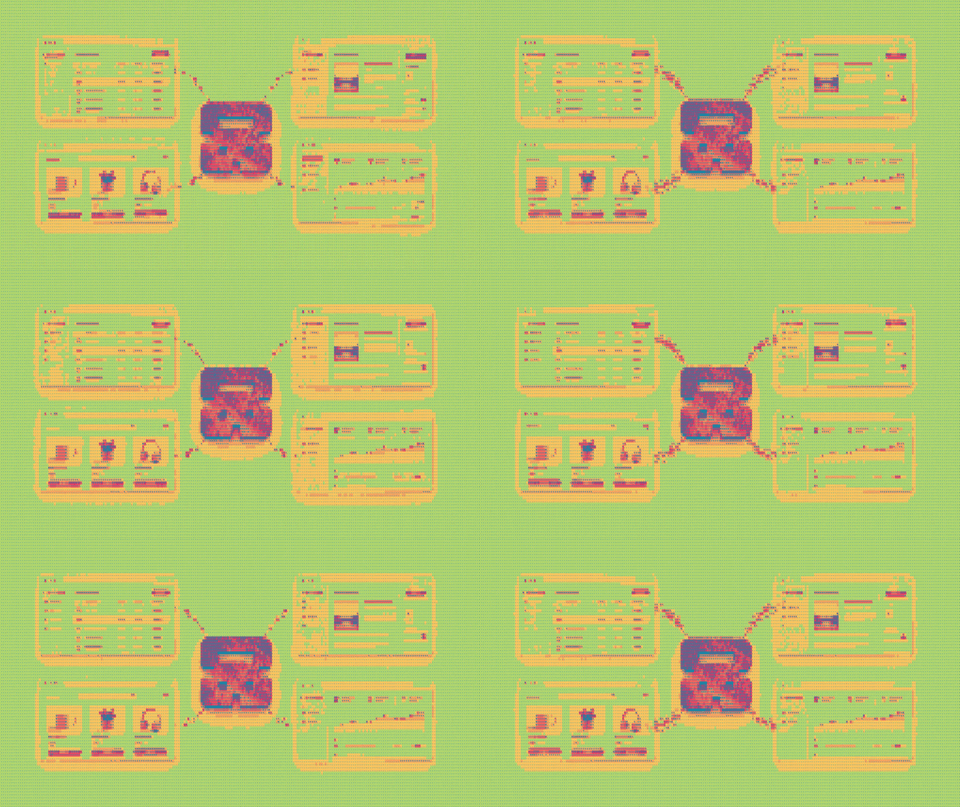

Almost every pharmaceutical company across the world creates multiple websites for:
The purpose is to provide transparent information to patients and doctors, as well as to keep scammers from stealing their drug names online.
Now, once these sites go live, they must constantly measure activities like page views, resource downloads, and form submissions to understand different user behaviors.
For this, the tagging, digital analytics, or QA teams rely on tags - invisible snippets of code running behind every webpage, like Adobe Analytics, Google Analytics, pixels, and cookie consent banners. And this method of checking whether these tags fire properly and record accurate data is called tag validation.
Over the past couple of months, I’ve been helping a top-tier, global pharmaceutical company to automate their entire website tag validation process, using our AI agent, Zamp.

Our agent’s home screen, where each run is tracked from start to finish.
Let’s look at how we approached it.
Last I checked, this pharma giant manages close to 100+ sites in the US alone, and approximately 1,000 global web properties across different international markets.
Their tagging team relied on a free, open-source browser extension called Omnibug to validate analytics.
This is how the process looked:
Testing the core user journeys of just one website consumed 2 to 3 analysts for at least three days. Across their entire digital ecosystem, this totaled over 8,000 human hours a year spent purely on repetitive, manual documentation.
Ultimately, the team could only validate 20% to 30% of the tags across their ecosystem. The remaining 70% to 80% went live completely unverified, leaving the company vulnerable to data gaps and privacy compliance failures.
While Omnibug is a good tool for testing one webpage at a time, it breaks down when you have thousands of pages to review.
During our initial discussion, the client's tagging team mentioned that they still wanted to see how Omnibug interpreted the data. It was their trusted baseline, since they had relied on it for years.
To make the transition seamless, we built our website tag validation agent with a split-screen interface: 60% of the screen shows the live website navigation, while 40% shows Omnibug decoding Adobe and GA4 tags in real time.

Our agent clicks through the website while Omnibug shows every tracking tag it fires, side by side.
We broke the entire process down into six deterministic sub-tasks:
Our agent opens the client's Technical Design Document (TDD) in read-only mode. It reviews every listed user interaction to see what data the website is supposed to track. Then, it automatically groups these tracking rules by webpage, creating neat, organized batches to test later.

Our agent reads the client's tracking specs, without changing them, and turns them into ready-to-run test batches.
Our agent opens every live page to see exactly how it looks and behaves. It handles cookie banners and can autonomously get past human verification gates like Cloudflare without HITL.
It then interacts with menus, links, and forms to see how they work. This step lets the agent find exactly where every button lives and builds a complete map of all possible user interactions.

Our agent explores each live page like a real visitor, mapping every action a user can take.
It then converts the discovered page actions into a clean, reusable blueprint. It locates website elements by their name and role rather than their visual position. If a future design update alters the color or shifts the position of a button, our agent still recognizes it and continues the audit without interruption.

Every mapped interaction becomes a clean, reusable test script.
In this step, the agent stops to verify its own automated instructions. It double-checks the structure and flags each action as Ready, Unclear, or Human-Only. This pre-check ensures that only flawless, completely verified test steps move on to the actual validation phase.
It then launches a browser window to execute the verified instructions. It navigates the site just like a real user - clicking buttons, submitting forms, and monitoring the background code to see which tracking signals fire. A complete recording of the session is saved automatically as evidence.
And finally, it matches the background data it recorded during the live test with the original rules in the design document. It outputs a structured Excel sheet that labels each tracking script as a clear Pass or Fail. This lets the team instantly spot missing tags or incorrect data without searching through code.
One of the main goals of our agent is to catch misconfigurations using a definitive Pass/Fail framework, which wasn't possible with a manual tool like Omnibug.
I believe website tag validation is a highly universal process that extends far beyond pharmaceutical companies. It’s relevant for any QA analyst and digital teams in a modern business, across tech, retail, and finance.
The right automation will save them enough time to focus on more strategic priorities like improving user experience and analyzing customer journeys.
Knowing what is at stake for global enterprises, we built Zamp with a highly deterministic architecture. It guarantees absolute data accuracy while keeping latency low and reducing computing costs.
Learn more: zamp.ai